How Digital Waivers Improve Customer Experience (Faster, Cleaner, More Professional)


Christian Rafols

Want faster check-in and happier guests? Start with your waiver process.


The easiest customer experience win is removing paperwork friction.


Most businesses invest in marketing, branding, and facility upgrades to improve customer experience. Yet many overlook the first operational moment guests encounter when they arrive: paperwork.


Clipboards. Lines. Confusion. Repeated instructions. Bottlenecks at the front desk.


Digital waivers do more than protect your business. They remove friction at the exact moment guests are checking in and getting ready to participate. Less paperwork stress, faster onboarding, cleaner mobile signing, multi-language accessibility, reduced wait times, and a more professional brand impression all combine to create a smoother experience.


If you are looking for how to improve customer experience operationally, your waiver process is one of the highest-impact places to start.

The Customer Experience Problem Most Businesses Ignore: Paperwork Friction


Guests arrive excited. They have been looking forward to the activity, event, or tour.


Then they are handed forms.


They stand in line. They search for a pen. They ask what to fill out. Staff repeats instructions. Someone misses a field. Another guest spells their email incorrectly. A form gets smudged or misplaced.


The first impression shifts from excitement to friction.


Staff becomes a bottleneck instead of a welcoming presence.


Paperwork friction is rarely considered part of the experience strategy, but it directly affects perception.


If the first two minutes feel disorganized, the entire visit feels less polished.


Digital waivers eliminate that friction.


1) Less Paperwork Stress for Guests


Paperless waiver benefits start with simplicity.


With digital waivers:

  • No printing
  • No clipboards
  • No pens
  • No scanning
  • No manual sorting

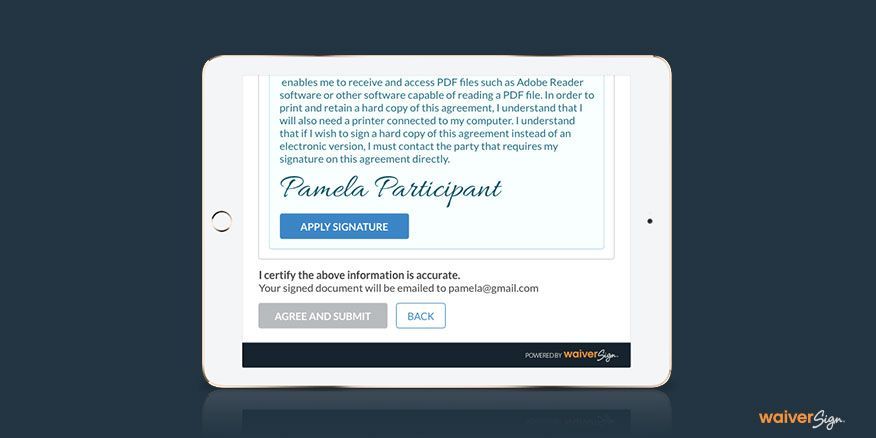
Guests follow clear prompts on their own device or a tablet. Fields are guided. Required information is clearly marked. Errors are flagged automatically.


There is no “what do I do next?” moment.


When the process feels smooth, the overall experience feels intentional.


If you are evaluating digital waivers for customer experience improvements, reducing mental friction is the first measurable benefit.


2) Faster Onboarding and Check-In


One of the most practical ways to improve customer experience at check-in is to reduce wait time.


Digital waivers allow:


  • Pre-arrival signing links
  • Waivers embedded in booking confirmations
  • QR codes posted at entry
  • Group waiver flow management

Guests can sign before they even arrive. By the time they walk through the door, their documentation is complete.

On busy days, this dramatically increases throughput.


Instead of staff verifying paperwork manually, they confirm completion in seconds.


The result:


  • Shorter lines
  • Fewer late starts
  • Smoother group arrivals
  • Better time management


If your check-in desk becomes congested during peak hours, your waiver flow may be contributing more than you realize.

Reducing onboarding time is one of the fastest operational wins available.


If you want to see how a digital waiver experience fits into your current check-in process, a quick workflow review can reveal where friction is slowing you down.


3) More Professional Brand Perception


Perception matters.


A clean, branded digital waiver communicates organization and professionalism.


Instead of loose forms and stacked clipboards, guests see:


  • Branded screens
  • Clear instructions
  • Consistent formatting
  • Modern, mobile-friendly interfaces


A digital-first process signals that your operation is structured and up to date.


For many businesses, the waiver is the first direct operational interaction after booking. That moment influences trust.

Professional presentation builds confidence.


And confidence improves overall customer experience.


4) Multi-Language Options Make the Experience More Inclusive


Tour operators and attractions often serve diverse audiences.


Paper forms in a single language create confusion for international guests or mixed-language groups.

A multi-language waiver improves clarity.


Guests can:

  • Read instructions in their preferred language
  • Understand what they are signing
  • Feel more confident during check-in


This reduces misunderstandings and back-and-forth explanations at the front desk.


It also demonstrates inclusivity and awareness.


When guests feel understood, they feel welcomed.


That is a direct improvement to customer experience.


5) Clean Mobile Signing That Actually Works


Mobile waiver signing is no longer optional.


Guests expect processes to work on their phones.


A mobile-first digital waiver:

  • Uses large, clear buttons
  • Minimizes typing
  • Avoids unnecessary fields
  • Loads quickly on cellular data
  • Adapts to small screens


In real-world environments such as parking lots, lobbies, and outdoor venues, mobile reliability matters.


If your waiver process requires printing or desktop access, friction increases.


When mobile signing is intuitive, onboarding becomes almost invisible.


And invisible processes feel effortless.


6) Reduced Wait Times and Better Flow on Busy Days


Peak days expose operational weaknesses.


When arrivals surge, paper forms amplify delays:

  • Staff verifies each form manually
  • Guests wait while others complete paperwork
  • Lines grow longer


Digital waivers reduce wait times at check-in by streamlining verification.

Staff can focus on welcoming guests rather than policing paperwork.

This shifts team energy from administrative enforcement to hospitality.


Better flow means:

  • More relaxed staff
  • Happier guests
  • Fewer complaints
  • Fewer rushed departures


Operational calm directly improves customer experience.


7) Safe, Trackable, and Operationally Reliable


Digital waivers also improve internal organization.


Records are:

  • Stored securely
  • Time-stamped
  • Easily retrievable
  • Organized by booking or guest


Lost forms disappear. Misfiled paperwork becomes a non-issue.


Standardized workflows reduce confusion.


Cleaner operations reduce guest disputes and misunderstandings.


When systems are consistent, experiences are consistent.


That reliability is part of how to improve customer experience long term.


Best Practices to Improve Customer Experience With Digital Waivers


Digital tools alone do not guarantee a smooth experience. Implementation matters.


Use Pre-Arrival Signing Links

Include waiver links in booking confirmations and reminder emails.

Encourage guests to complete forms before arrival.


Add QR Codes at Check-In

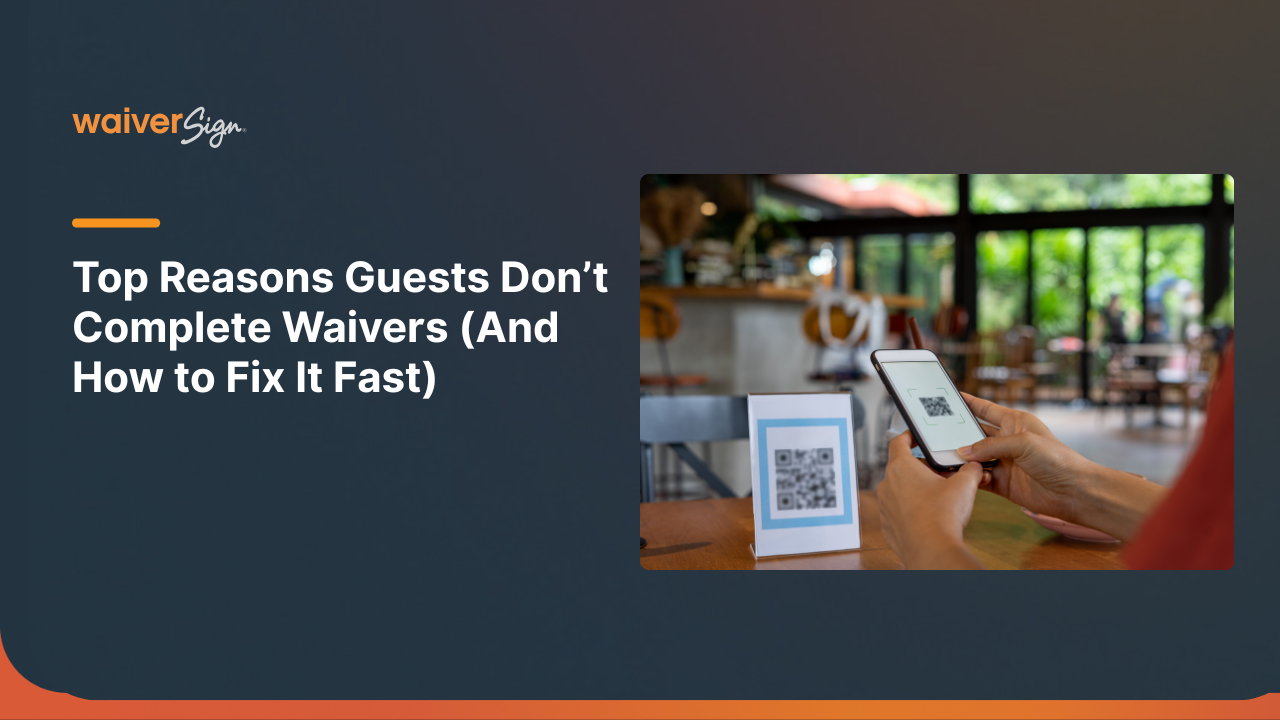
Display clear QR codes at entry points so guests can sign instantly on their phones.


Keep the Form Short and Mobile-Friendly

Only request essential information. Long, complex flows increase abandonment.


Offer Multi-Language Where Needed

If your audience is international, provide translated options.


Train Staff on a Consistent Guest Script

Front-desk teams should guide guests confidently:

“Please scan the QR code to complete your waiver. It takes about one minute.”

Consistency reduces confusion.


Add Confirmation Messaging


After signing, show clear instructions about what happens next.


For example:

“Thank you. Please proceed to gear check-in.”

Clear transitions improve flow.


If you want help mapping this into your current operations, a waiver workflow review can identify simple improvements.

Common Mistakes That Hurt Customer Experience


Making Guests Sign On-Site Only

If guests cannot sign in advance, congestion increases.


Too Many Fields

Excessive questions create frustration and slow completion.


Not Optimizing for Mobile

Desktop-focused forms fail in real-world environments.


No Clear Next Step

Guests should always know what to do after submitting.


Not Aligning Waiver Flow With Booking

Your booking confirmation and waiver process should feel connected.

Disconnected systems create confusion.


What to Look for in a Digital Waiver Solution

When evaluating software, focus on customer experience outcomes.


Look for:


  • Mobile-first signing
  • Multi-language support
  • QR code and kiosk capability
  • Custom branding options
  • Integration with booking tools and CRM systems
  • Simple exporting and reporting
  • Reliable on-site workflows


The goal is not just digitization.


The goal is faster check-in, reduced wait times, and smoother onboarding.


If your current waiver system is slowing down your front desk, it may be time to modernize.

Improve Your Guest Experience Starting Today

If you are actively researching how to improve customer experience, start with the moments that create friction.


Digital waivers remove paperwork stress, accelerate onboarding, and create a cleaner first impression.


They reduce wait times at check-in.

They support multi-language guests.
They improve staff efficiency.
They modernize your brand.


If you would like to see how a digital waiver experience fits your operation, request a quick waiver workflow review.

Small operational changes at check-in can produce immediate experience improvements.


Frequently Asked Questions

  • How do you improve customer experience at check-in?

    Reduce friction. Streamline paperwork. Use digital waivers with pre-arrival signing, QR codes, and mobile-friendly forms to minimize lines and confusion.

  • How do digital waivers reduce wait times?

    Guests can sign before arrival or via QR code on-site. Staff verify completion instantly instead of reviewing paper forms manually.


  • Do digital waivers work well on mobile phones?

    Yes, when built with mobile-first design. Clean layouts, minimal fields, and fast loading ensure smooth mobile signing.


  • Can digital waivers support multiple languages?

    Many systems offer multi-language options, allowing guests to complete forms in their preferred language and reducing misunderstandings.


  • What is the fastest way to onboard guests before arrival?

    Send waiver links in booking confirmations and reminder emails so guests complete forms ahead of time.


  • Are digital waivers better than paper waivers for guest experience?

    For most operations, yes. They reduce paperwork stress, shorten lines, and create a more professional first impression.


  • How do digital waivers improve staff efficiency?

    Staff spend less time checking forms and more time welcoming guests, managing flow, and improving overall service.


Improving customer experience does not always require a full operational overhaul.


Sometimes, it starts with removing the clipboard.

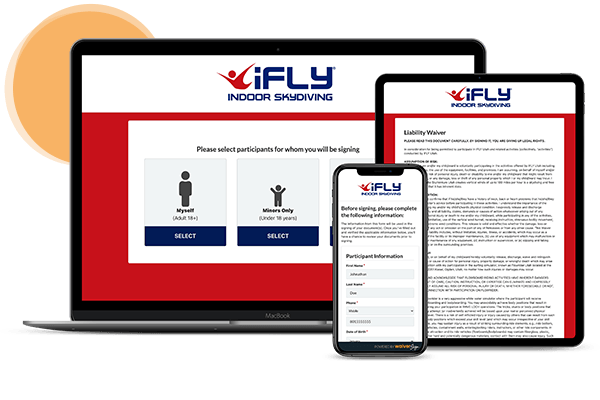
A laptop , tablet , and cell phone are sitting next to each other.

See If WaiverSign Works For You

Don't wait to make the next step in streamlining your business.

Man hiking snowy mountains with skis, likely for winter tour activities; digital waivers topic.
By Nikki DeSantis January 30, 2026
Discover how digital waivers streamline registrations, manage liability, and optimize bookings for tour operators and adventure activities this winter. Access templates and best practices.
Man with text:
By Nikki DeSantis November 27, 2025
Discover how Thanksgiving Point simplified guest check-in and reduced paper use with WaiverSign’s digital waivers—creating a faster, more efficient, and guest-friendly experience.
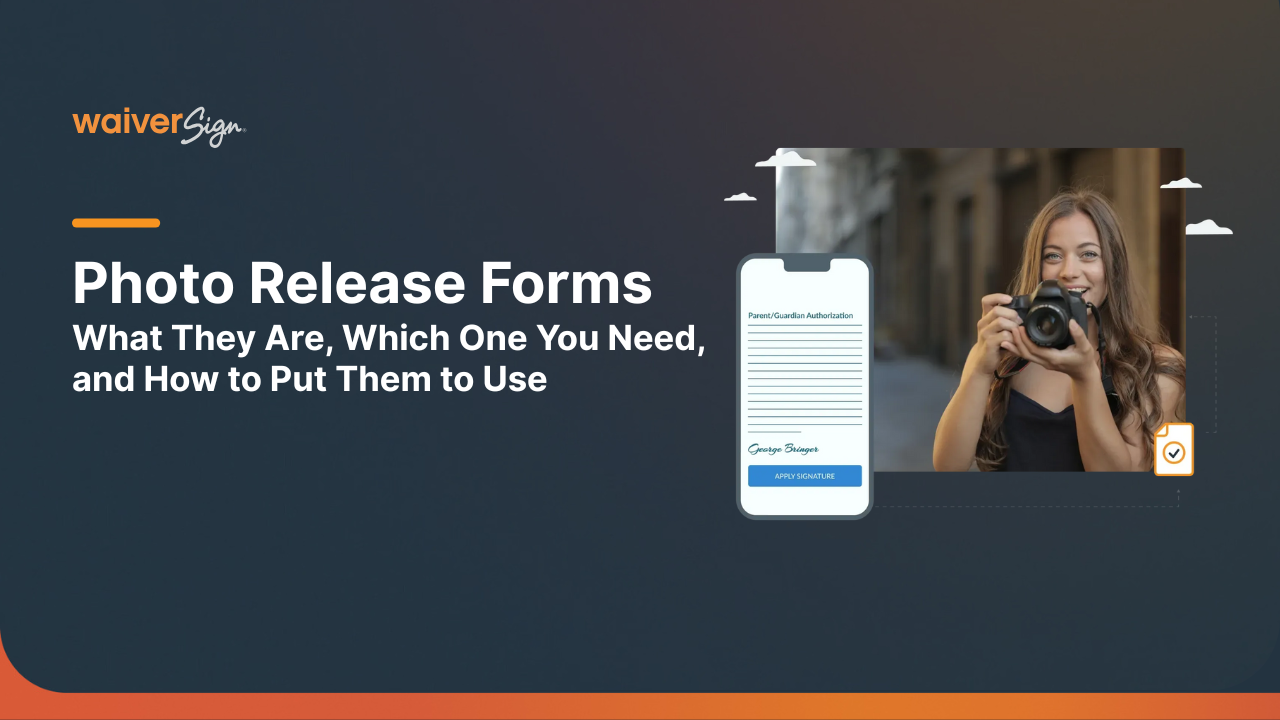
A photo release form with text and a smiling woman with a camera, plus a smartphone mockup.
By Nikki DeSantis October 2, 2025
Photo release forms, like any legal document, can be pretty complicated. Here, we simplify it for you, and explain how you can do them even better.
A title card for a dance studio, with text reading
By Nikki DeSantis September 17, 2025
Discover why every dance studio needs a waiver. Protect your business, set clear expectations, and simplify sign-ups with WaiverSign’s digital dance studio waiver solution.
Dark background with text
By Nikki DeSantis September 17, 2025
Rock climbing is exciting but risky. Learn why every climbing gym and guide service needs a waiver to protect their business and keep participants safe.
Logo: Brown outline of a lion with a smaller animal on its back, text
By Nikki DeSantis August 26, 2025
Discover how Little Lion Entertainment streamlined safety, saved time, and boosted marketing reach with WaiverSign’s digital waiver system.
Gym interior with weightlifting equipment; text reads,
By Nikki DeSantis August 22, 2025
Learn why gym waivers should include equipment liability. Protect your business, reduce risks, and keep members safe with clear, enforceable waiver language.
Title card:
By Nikki DeSantis August 22, 2025
Discover why group fitness and bootcamp waivers matter. Learn how liability waivers protect trainers, build trust, and keep fitness classes safe and professional.

Related Articles