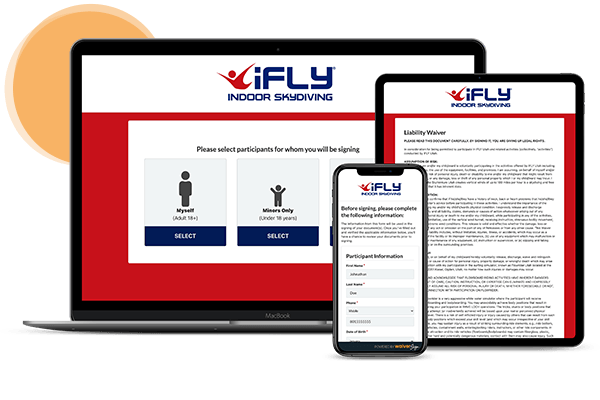

How to Turn Your Waivers Into a Marketing Powerhouse with WaiverSign


Nikki DeSantis

How to Turn Your Waivers Into a Marketing Powerhouse with WaiverSign

When you think about waivers, marketing probably isn’t the first thing that comes to mind. After all, waivers exist primarily to protect businesses from liability. But what if we told you that digital waivers could double as one of the most powerful marketing tools in your arsenal?


Whether you run a fitness studio, adventure tour company, rental business, sports league, or wellness retreat, you already have a goldmine of customer data at your fingertips. The key is knowing how to leverage that data effectively to increase engagement, improve customer retention, and drive more revenue.


With waiver software like WaiverSign, not only can you streamline your waiver process and ensure legal protection, but you can also turn every signed waiver into a marketing opportunity.


In this article, we’ll show you how to transform your digital waiver system into a marketing powerhouse.

Why Waivers Are an Untapped Marketing Tool

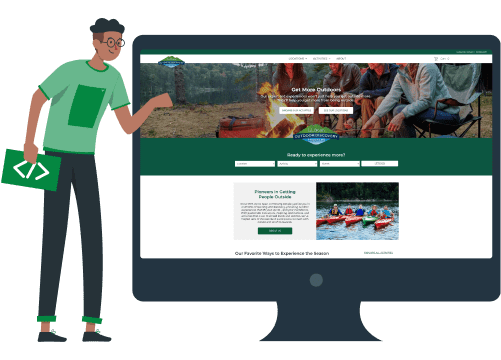
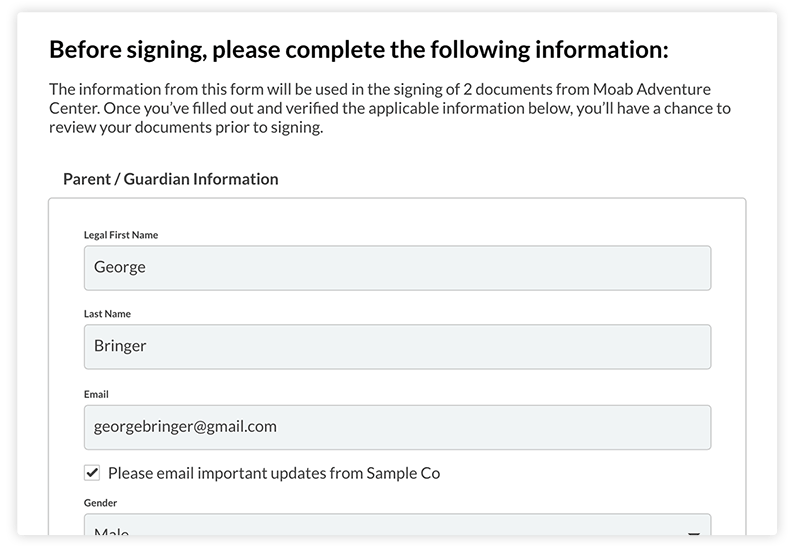
digital waiver contact fields

Step 2: Obtaining Consent for Marketing

Before using customer data for marketing, you must obtain explicit consent to comply with TCPA (Telephone Consumer Protection Act) and CAN-SPAM laws.

To do this, add a simple opt-in checkbox to your WaiverSign form:


✅ I agree to receive marketing emails and text messages about promotions and special offers.


By making this opt-in clear and transparent, you ensure that the contacts you collect are ready to engage with your brand.


Step 3: Automating Follow-Ups and Engagement

Now that you have customer data, it’s time to put it to work. Instead of letting customer information sit unused, set up automated marketing campaigns that keep your business top-of-mind.


1. Welcome Emails & Texts

As soon as a customer signs their waiver, send them a welcome email or text thanking them for their visit. This is a great opportunity to include:

  • A special first-time discount for their next visit
  • A call-to-action to follow your business on social media
  • A referral offer to encourage them to bring a friend next time


2. Re-Engagement Campaigns

Since your waiver system tracks customer visits, you can set up automated reminders for customers who haven’t returned in a while. For example:

  • 30-day follow-up: “Hey [First Name], we miss you! Here’s 10% off your next visit.”
  • Seasonal promotions: Send special offers for holidays, birthdays, or seasonal events.


3. Loyalty & VIP Programs

Encourage repeat business by integrating your waivers with a loyalty program. For instance, customers who sign waivers multiple times can be added to a VIP club that grants them access to exclusive discounts and perks.

Step 4: Exporting Your Waiver Data for CRM & Email Marketing

moving screen share demonstration explaining how to export digital waivers

One of the biggest advantages of WaiverSign is the ability to export and manage customer data easily.


How to Export Data & Upload to Your CRM

Your customer data is securely stored in the cloud and can be exported anytime for marketing purposes.

  1. Export Contact Data – Navigate to the Signed Documents page and click “Export Contacts” to download a CSV file with all customer information.
  2. Bulk Export Waivers – To export signed documents, go to Signed Documents > 
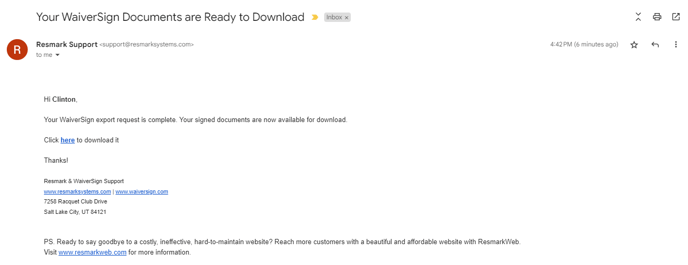
  3. Export Documents, and receive a download link via email.
  4. Seamless CRM Integration – Upload your CSV file into your email marketing platform (Mailchimp, Constant Contact, etc.) or CRM (HubSpot, Salesforce, etc.) to start targeted campaigns.


Pro Tip: Segment your contacts by visit frequency, demographics, and preferences to maximize engagement!

email screen shot, contacts are ready to download

Automate Data Syncing with WaiverSign + Zapier

WaiverSign now offers Zapier integration, allowing you to automate the process of transferring customer data to your favorite marketing tools, CRMs, and communication platforms.


With Zapier, you can instantly connect WaiverSign with thousands of apps, including:

  • Email Marketing (Mailchimp, Constant Contact, Klaviyo)
  • CRMs (HubSpot, Salesforce, Zoho)
  • SMS Marketing (Twilio, SimpleTexting)
  • Survey & Feedback Tools (Google Forms, Typeform)


Common Zapier FAQ

Why aren't some fields transferring correctly to my other apps?
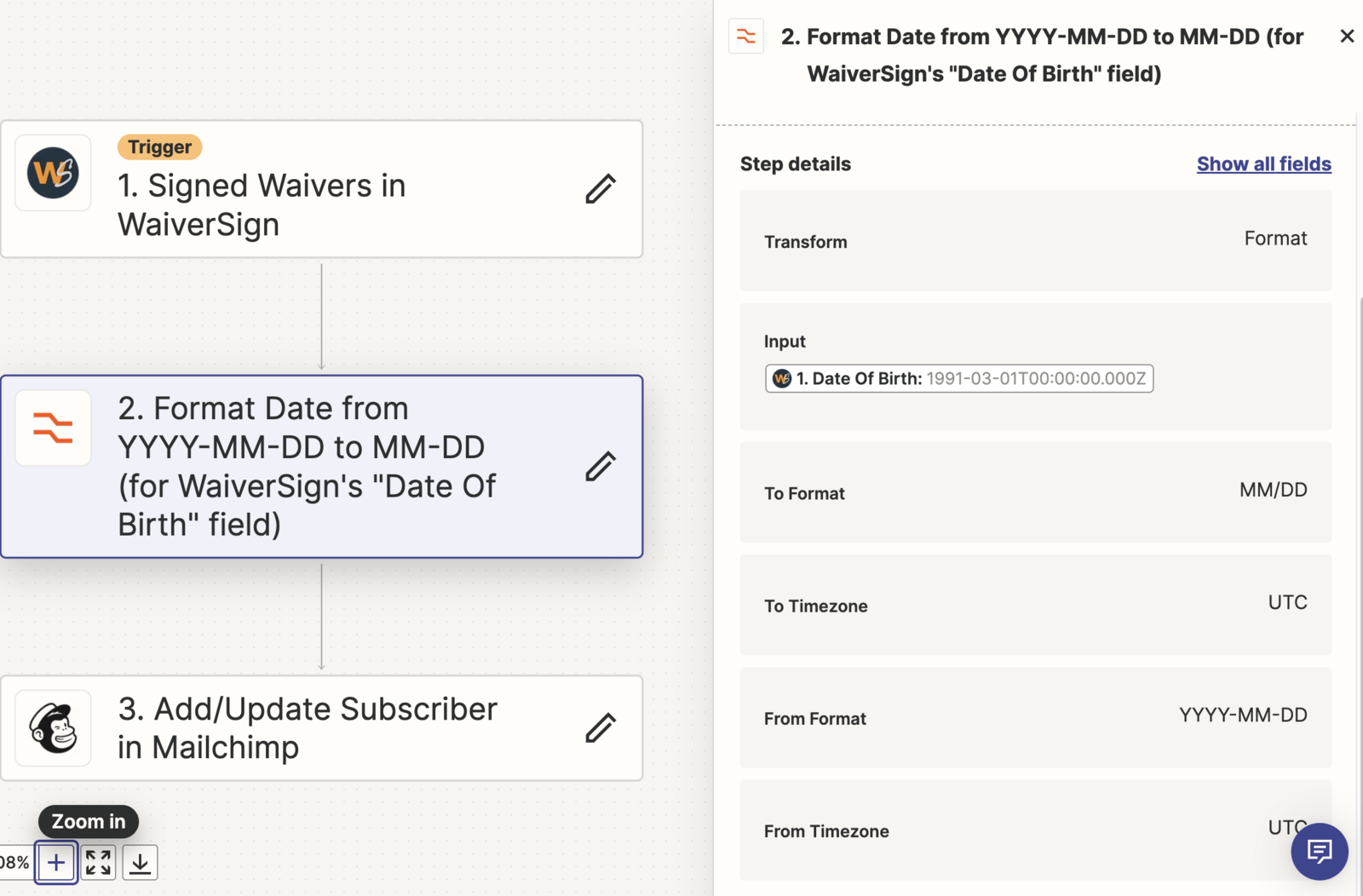
Some applications require specific data formatting. For example, Mailchimp requires
DOB (Date of Birth) to be formatted as MM/DD, while WaiverSign stores it as YYYY-MM-DD. To fix this, you can create a formatting rule in Zapier to convert the data to match the required format.


How much does Zapier cost?
Zapier offers a free plan for users processing fewer than 100 waivers per month. However, for higher volumes, you may need a paid Zapier plan. See current pricing here:
Zapier Pricing.


I don’t see the Zapier option in my WaiverSign account settings.
Zapier integration requires an account upgrade—please
contact WaiverSign Support to enable this feature.


With WaiverSign and Zapier, you can save time, reduce manual data entry, and automate marketing workflows—ensuring that every waiver signed helps grow your business.

waiversign zapier screen shot field information

Step 5: Using Digital Waivers for Surveys & Feedback

Want to improve your customer experience? Use digital waivers to collect customer feedback!


After their visit, send an automated survey asking:

  • How was your experience?
  • Would you recommend us to a friend?
  • What could we improve?


Customers who leave positive reviews can be encouraged to post a public review on Google or Yelp, helping you attract new customers.

Step 6: Turning Paper Waivers Into Digital Marketing Assets

If you’re still using paper waivers, switching to digital is a game-changer for your marketing. With WaiverSign, you:


  • Eliminate manual data entry and paper storage
  • Instantly collect customer information in a searchable database
  • Automate marketing messages without extra work
  • Reduce wait times with pre-signed waivers


Going digital doesn’t just streamline your business—it enhances your ability to market effectively and grow your customer base.

Making Waivers Work for Your Business

Most businesses view waivers as a legal necessity, but in reality, they are a powerful marketing tool. By collecting valuable customer data, obtaining consent, and setting up automated marketing campaigns, you can turn every waiver into an opportunity to increase customer engagement and revenue.


With WaiverSign, you can effortlessly collect, store, and export customer data—making it easier than ever to connect with your audience, grow your business, and boost revenue.


Ready to turn your waivers into a powerful marketing tool? Sign up for a free trial with WaiverSign today and start maximizing your customer engagement!

A laptop , tablet , and cell phone are sitting next to each other.

See If WaiverSign Works For You

Don't wait to make the next step in streamlining your business.

Waiver webpage banner with QR code and phone, titled “Top Reasons Guests Don’t Complete Waivers”
By Christian Rafols May 7, 2026
Guests skip waivers due to friction, not intent. Discover the top reasons waiver completion fails and how digital tools fix it fast.
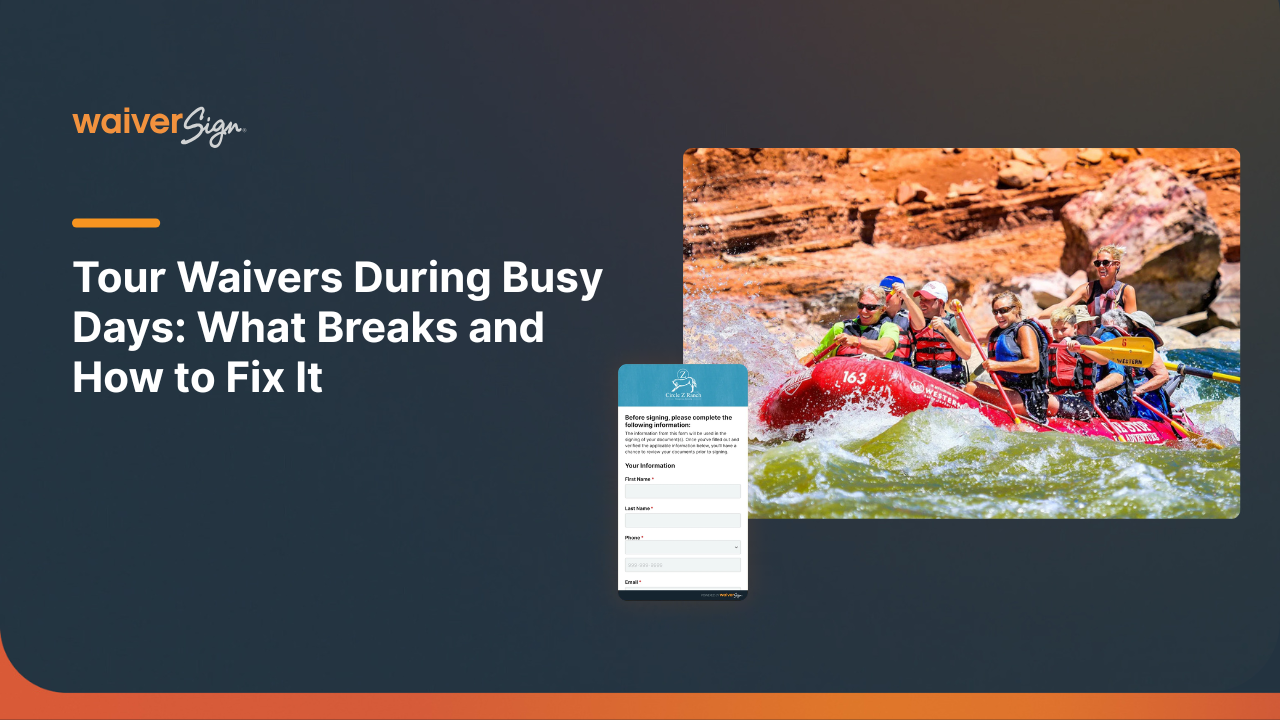
Tour waivers during busy days, with white title text over a rafting scene and small form graphic on a dark background
By Christian Rafols May 7, 2026
Busy tour days break paper waiver systems. Learn how digital waivers speed up check-in, reduce errors, and improve guest experience.
A dark blue slide titled
By Christian Rafols April 10, 2026
Learn how a clear customer intake process reduces risk, improves guest experience, and increases bookings for tour operators in uncertain travel conditions.

Text reads
By Christian Rafols April 10, 2026
Discover how global uncertainty is reshaping traveler expectations—and how digital waivers help tour operators build trust, safety, and seamless experiences.

Two people interacting with a tablet. A woman smiles and waves, while a man looks on. The text discusses digital waivers.
By Christian Rafols March 3, 2026
Digital waivers reduce paperwork stress, speed up onboarding, and improve the guest experience with mobile-first signing, multi-language support, and smoother check-in.
Man hiking snowy mountains with skis, likely for winter tour activities; digital waivers topic.
By Nikki DeSantis January 30, 2026
Discover how digital waivers streamline registrations, manage liability, and optimize bookings for tour operators and adventure activities this winter. Access templates and best practices.
Man with text:
By Nikki DeSantis November 27, 2025
Discover how Thanksgiving Point simplified guest check-in and reduced paper use with WaiverSign’s digital waivers—creating a faster, more efficient, and guest-friendly experience.
A photo release form with text and a smiling woman with a camera, plus a smartphone mockup.
By Nikki DeSantis October 2, 2025
Photo release forms, like any legal document, can be pretty complicated. Here, we simplify it for you, and explain how you can do them even better.
Related Articles